
💬
Feedback
Leaving Feedback
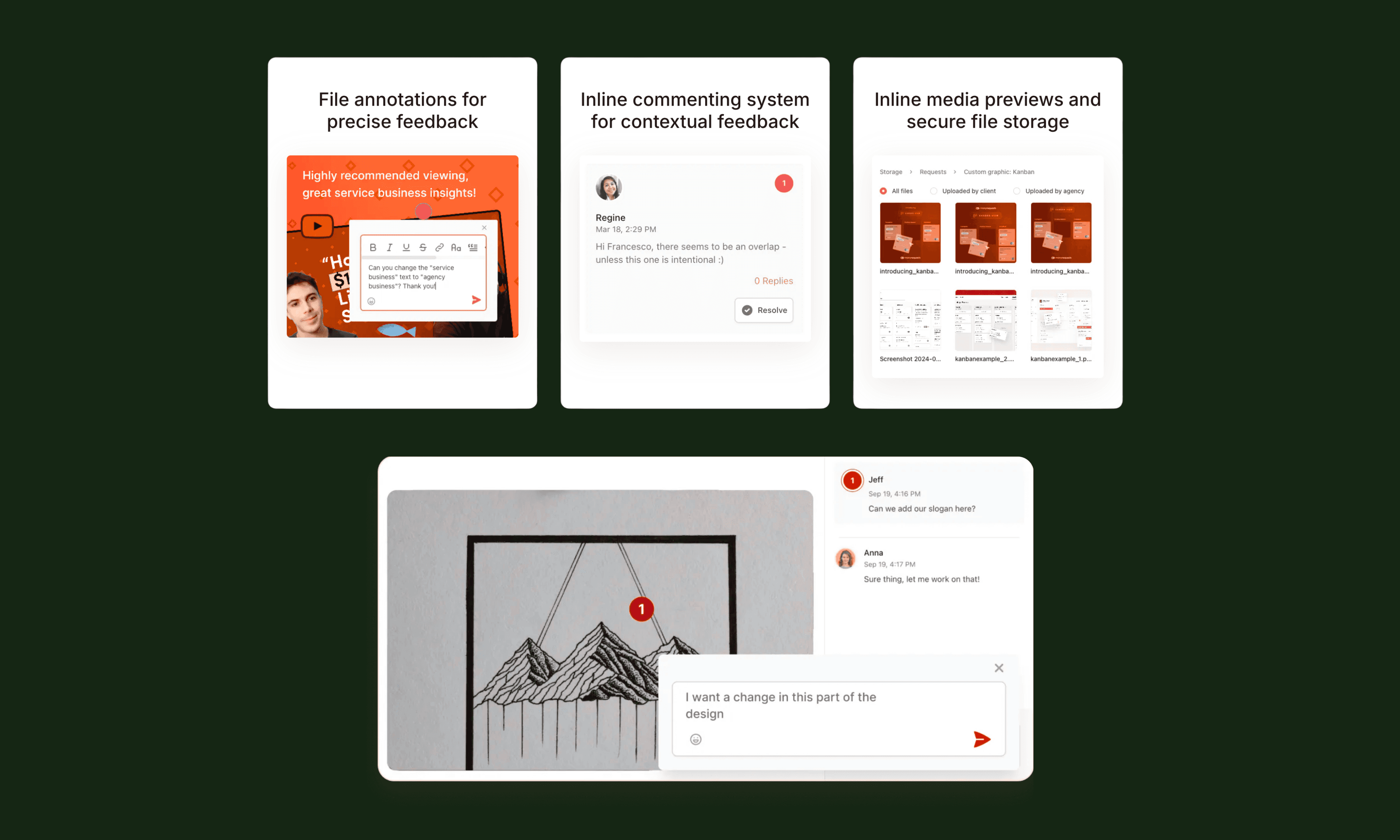
Once a video is in the Review Window, your team can leave feedback directly on the video.
Comments can be added at specific moments in the timeline so edits are clear and easy to understand. This allows our editors to quickly see what needs to be adjusted without long email threads or external notes.
Types of Feedback
Helpful feedback usually focuses on specific improvements such as:
• text or messaging updates
• pacing adjustments
• visual or graphic changes
• corrections to information or wording
Organizing Revisions
Multiple comments can be left across the video timeline.
Our team reviews these notes and prepares the next version based on the requested changes.
Keeping feedback inside the video player ensures edits remain organized and easy to track.