
🎥
Drafts
Viewing Drafts In The Review Window
When a project moves into the Review Window, the current version of the video will appear inside the project on the dashboard.
You can open the project to watch the video, review the edit, and leave feedback directly on the timeline.
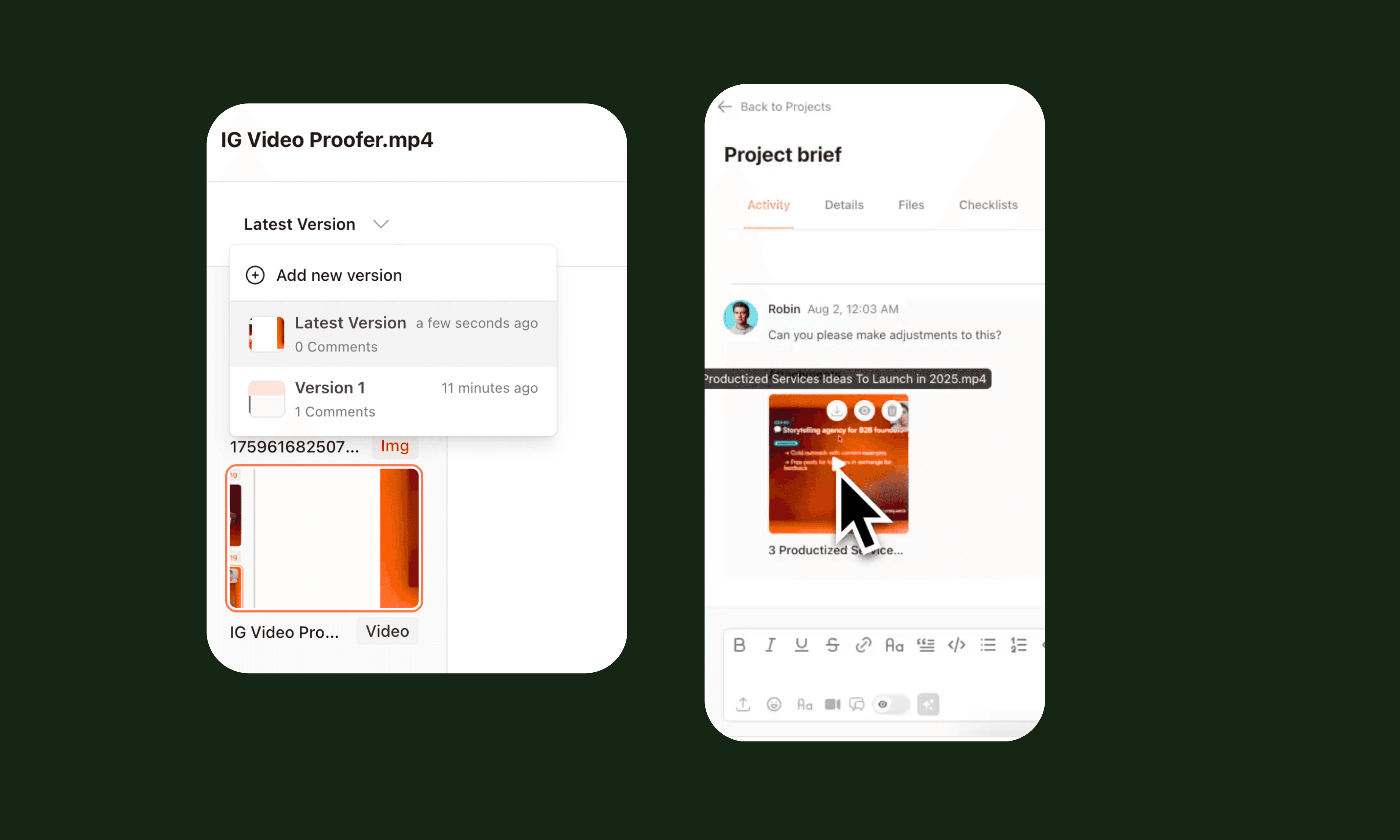
Draft Versions
Some videos may go through multiple draft versions during the review process.
Each version remains available within the project so your team can track changes between edits.
Reviewing Before Feedback
Before leaving comments, we recommend watching the full video once from start to finish.
This helps you understand the overall flow before focusing on specific edits.
After your first watch, you can add feedback directly to moments in the timeline.